© 2023-2024, 2026 by Zack Smith. All rights reserved.
Overview
This is a project to get Swift working with the Qt 6 GUI library to allow the construction of conventional (non-declarative) GUIs.
The task of creating an open-source, declarative GUI builder, like QML (introduced in 2009) or SwiftUI (introduced in 2019), also seems feasible.
SwiftQt
, as I've called it, has the purpose of helping me create
personal apps on Linux with Qt and using Swift instead of C++ or Python,
which may be beneficial in some ways.
Is getting Swift to work with Qt easy? It consists largely of connecting things so that Swift talks to C, which then talks to C++, and then in the opposite direction, for each of the classes and methods that would be useful.
Equivalent objects must exist on both the C++ and Swift side, so some book-keeping is required.
Currently SwiftQt works with Qt 6 and Swift 6.2.4.
Screenshots
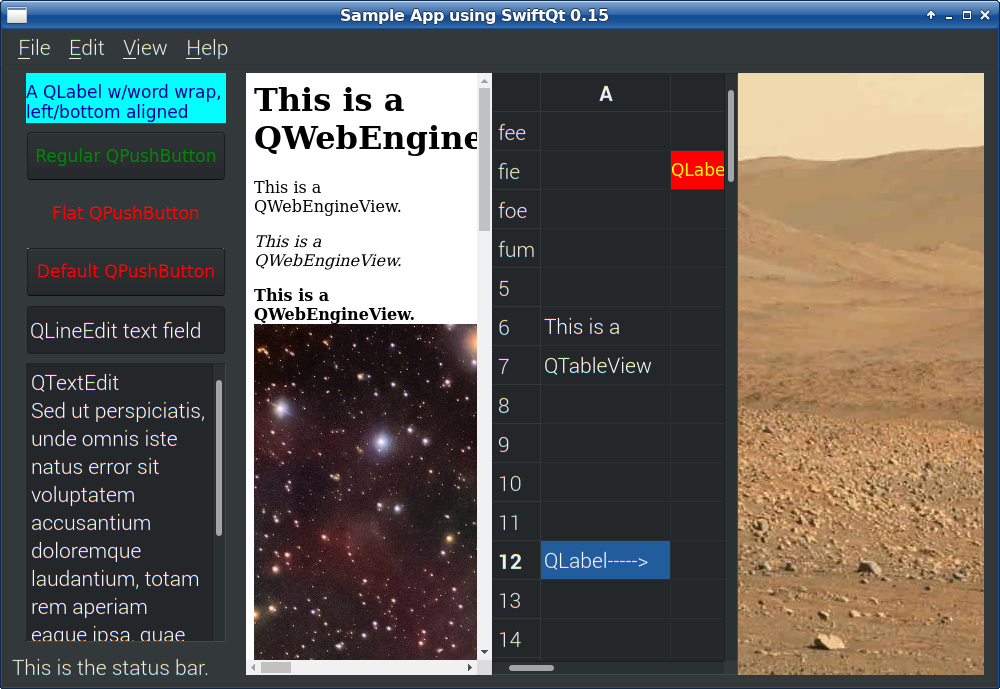
A GUI built using manual layout i.e. setFrame.
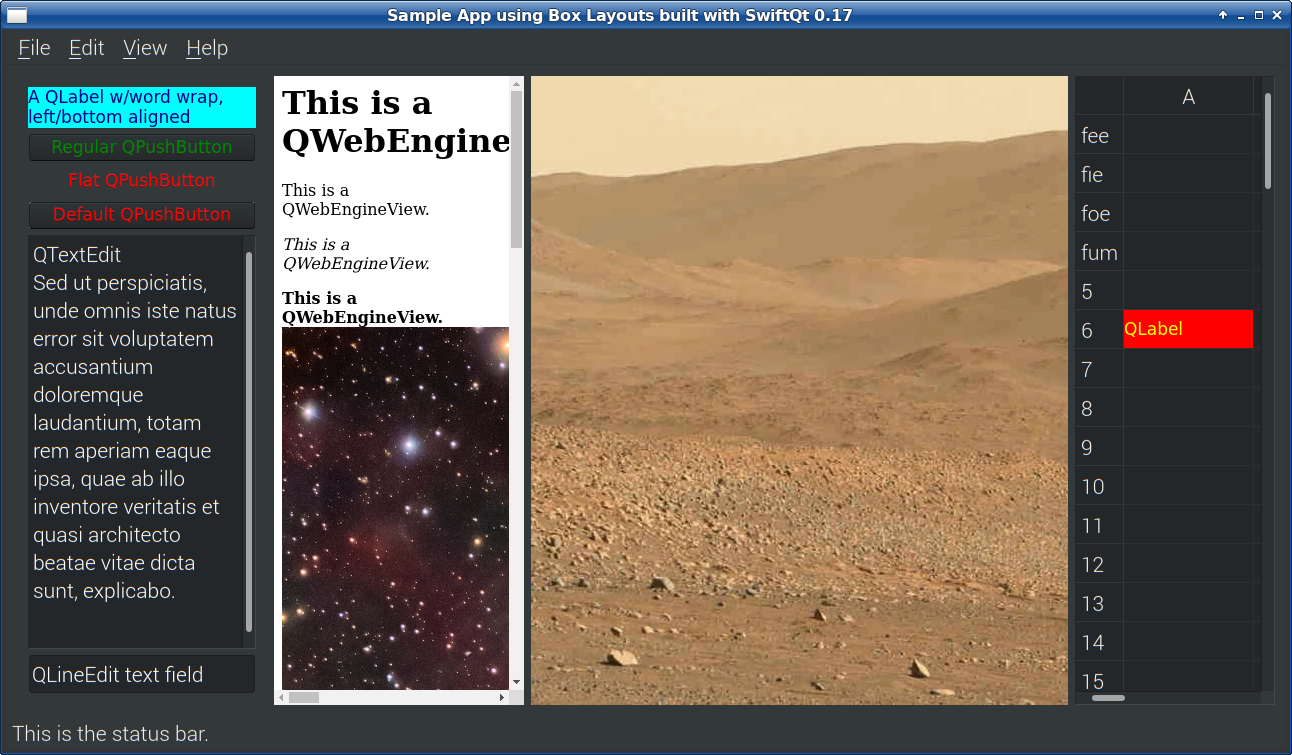
A GUI built using box layouts (horizontal and vertical).
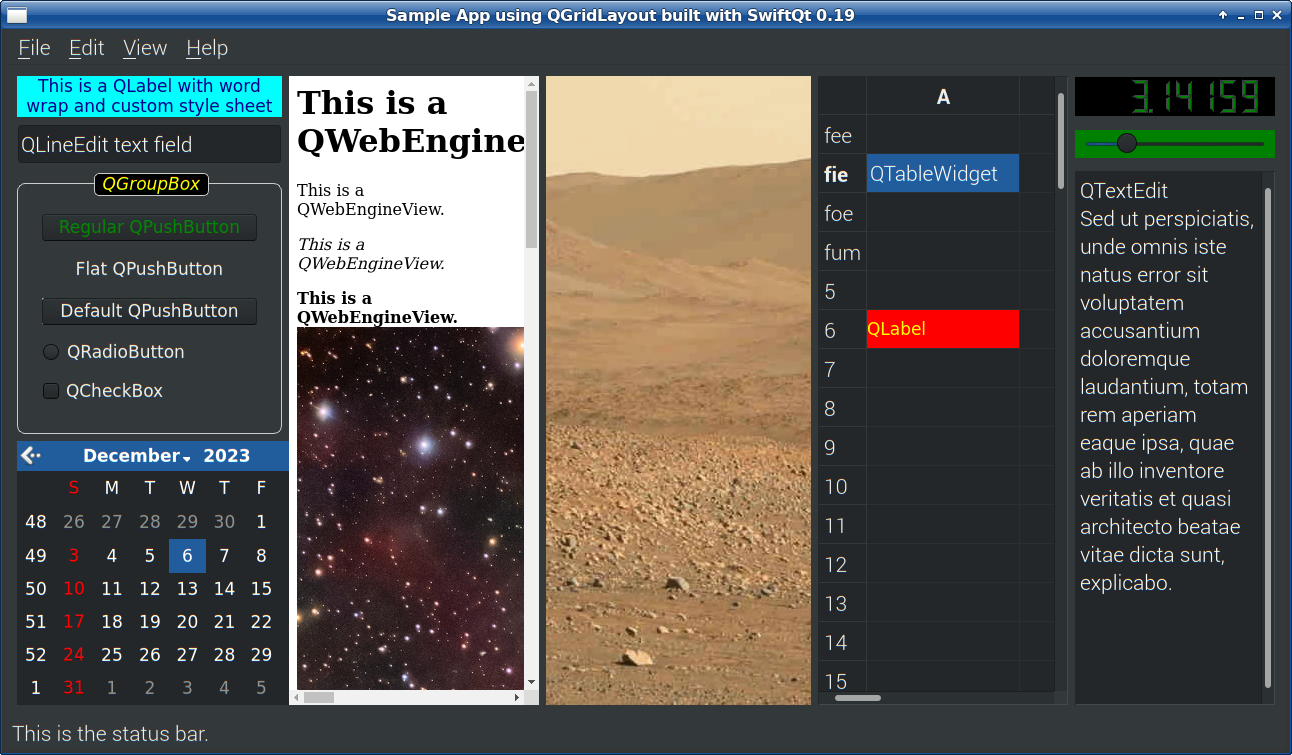
A GUI built using a grid layout.
Download
This source code should be considered alpha.
Swift Compiler
The Swift compiler has been buildable and running on 64-bit Linux and Windows for a few years. You can download the official version from Swift.org.
How to compile the Swift compiler and its libraries
Some of the libraries require a Swift compiler to be already be installed in order to compile them.
 #!/bin/bash
 mkdir swift-source
 cd swift-source
 git clone https://github.com/apple/swift.git
 pushd swift
 git checkout swift-6.2.4-RELEASE
 popd
 ./swift/utils/update-checkout --clone \
   --tag swift-6.2.4-RELEASE
 time nice swift/utils/build-script -j2 \
   --preset=buildbot_linux,no_test \
   install_destdir=$HOME/swift-install \
   installable_package=$HOME/swift.tgz